Make every machine visible.
One compact device tracks essential machine data and helps keep maintenance on schedule.
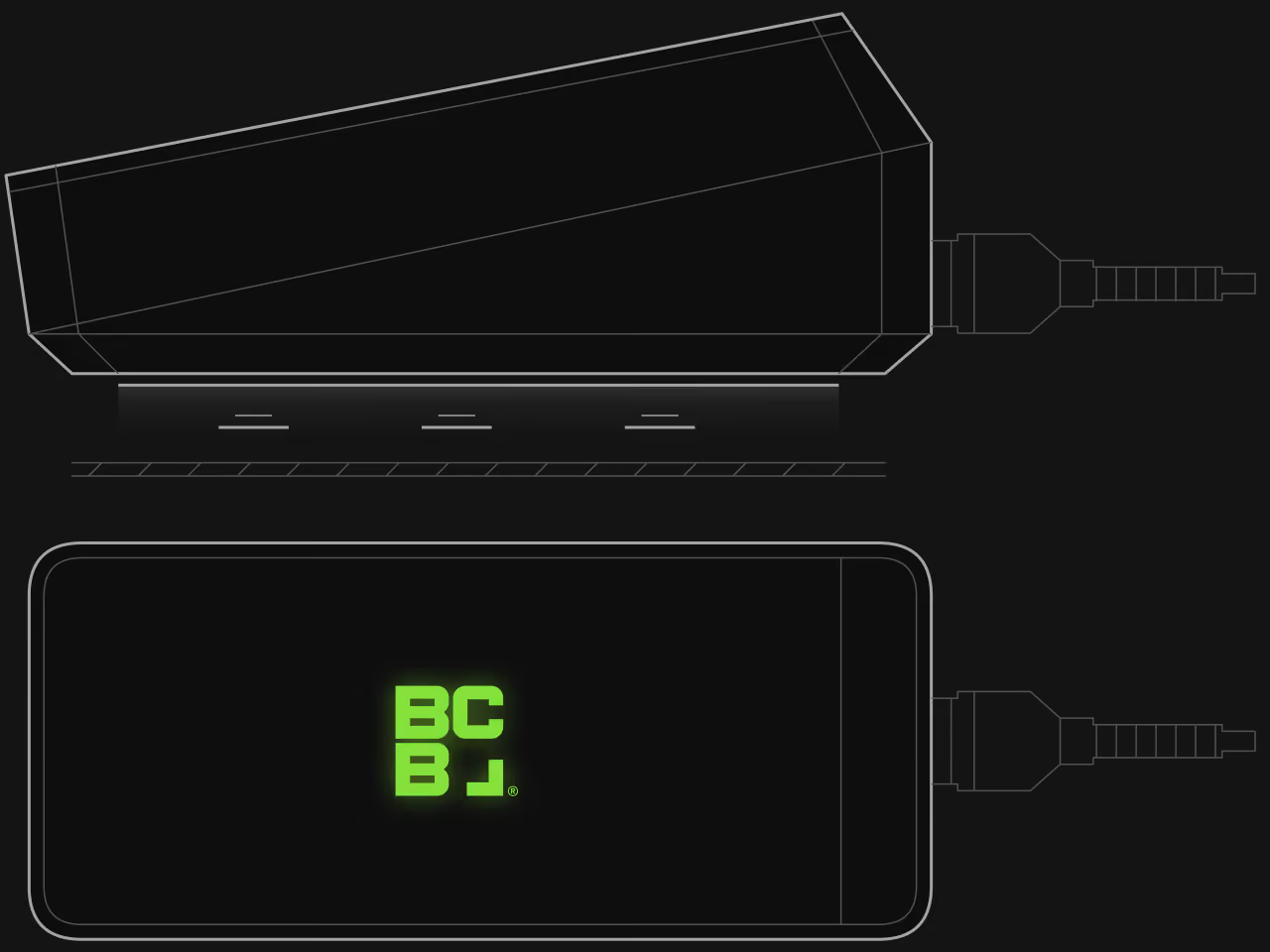
Designed for everyday use.
Magnetic mounting base
Easy to position and reposition on metal surfaces, keeping the status light visible and the device within reach.
Status at a glance
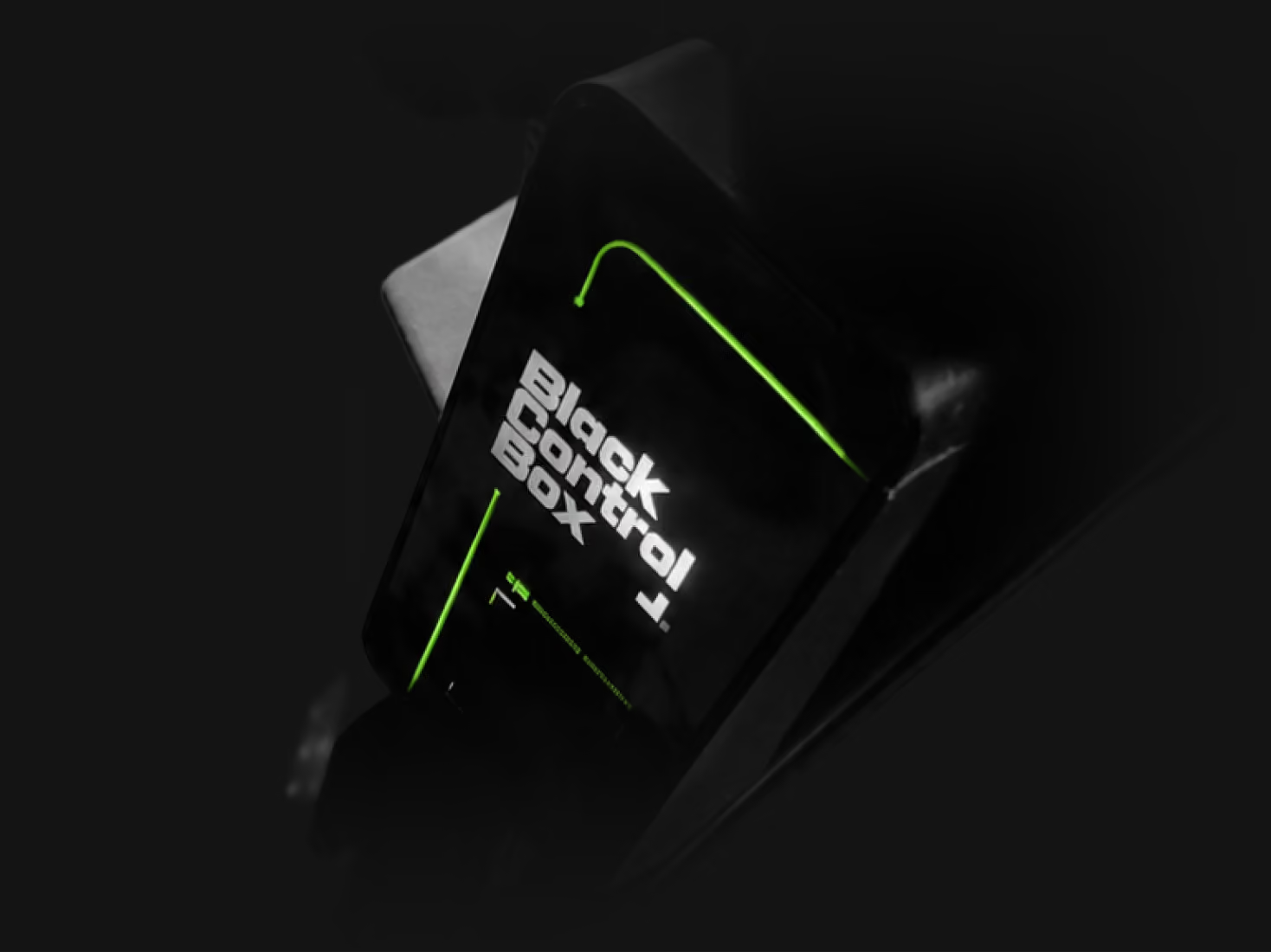
The illuminated BCB logo is the status indicator, giving operators clear visual feedback.
Made for industrial environments
A shock-absorbing rubber body protects the device. A dedicated cable connects it to 12–80 V machine battery systems.
Repairable and reusable
BCB devices are designed with repairability and reuse in mind. Returned units are inspected and repaired whenever possible, extending device life and reducing electronic waste.
Built for the cabin.
Fits any machine cabin
Compatible with forklifts, construction machines, warehouse equipment and other service vehicles. Installation takes only a few minutes.
Keeps machine care visible
A visible device keeps machine condition on the operator's mind during the shift, not just at service time.
Support is one scan away
Operators report a problem straight from the cabin — no numbers to look up, no forms to fill in.
No operator app required
Operators can read the illuminated status directly on the device — no phone, login or training required.
Start with the essentials. Add more when you need it.
Basic service insight
Impact insight
Real-time insight
BCB BASE device: €150 one-time
Technical specifications.
Power supply
Designed for 12–80 V nominal battery systems. Supports typical voltage variation during battery charging.
Power consumption
Connectivity
Sensors
Operating environment
Mechanical
Specifications may change as the product evolves.
Mounting
Mount BASE on a visible metal surface inside the cabin. Keep it easy to access.
Wiring
Ignition input is galvanically isolated to allow safe connection to machines with isolated control circuits.
LED indicators
The illuminated BCB logo is the status indicator.
Compliance
Guides and documents.
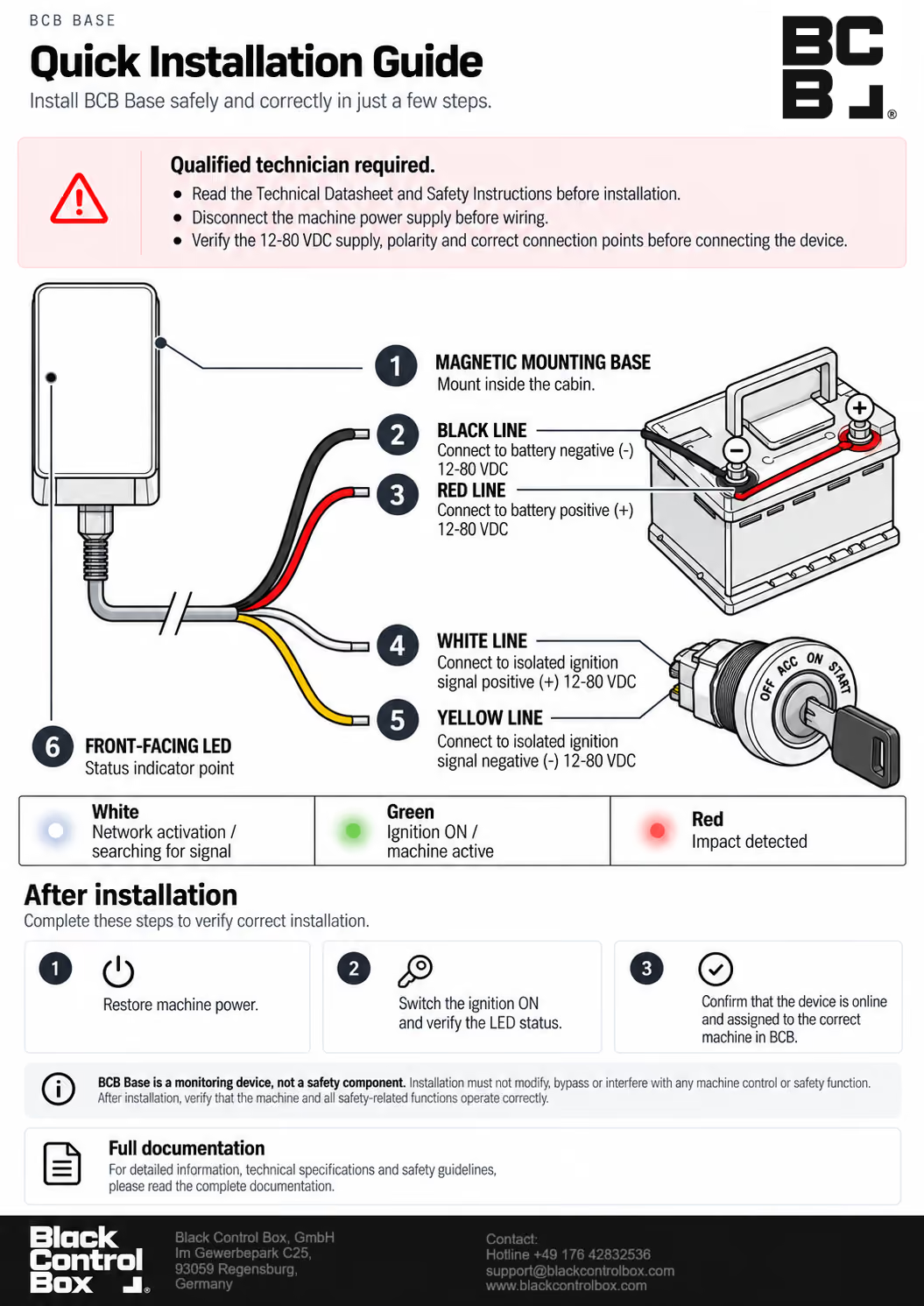
Installation guide
Device installation and wiring instructions.
Technical datasheet
Detailed device specifications.
EU Declaration of Conformity
CE compliance documentation.
Questions about BASE?
Setup & Activation
Device activation
BASE activates automatically when connected to the machine battery. The white LED indicates that it is connecting to the network.
Connection typically takes around 30 seconds. When the ignition is on, the LED turns green and BASE sends its status to the BCB app.
Assigning the device in the app
After the device connects to the network, it can be assigned to a machine in the Black Control Box app. Open the machine profile in your app and select the “Options” card, then choose “Device”. Select the correct device serial number to assign the device to the machine.
Once assigned, set the current machine operating hours. The device will then automatically start synchronizing machine data with the BCB platform.
The device does not appear in the app
The device should appear in the device list even before installation on the machine. If the device is not visible in the list, please contact support: support@blackcontrolbox.com
No LED light is visible
Check that BASE is connected to battery power and that the wiring is correct. Wait approximately 30 seconds for network activation.
If the LED remains off, contact support@blackcontrolbox.com, whether the device appears online or offline in the app.
Installation & Wiring
Wiring overview
The device connects to the machine using four wires.
The battery wires power the device.
Red — battery positive (+)
Black — battery negative (–)
The ignition wires detect when the machine is operating and allow the device to track machine activity and operating hours.
White — isolated ignition input (+)
Yellow — isolated ignition input (–)
Galvanically isolated ignition input
The ignition input is galvanically isolated to allow connection to machines with isolated control circuits. It detects machine activity while keeping the ignition input electrically separate from the device electronics.
Where should I mount BASE?
Mount BCB BASE on a stable metal surface inside the cabin using the integrated magnetic base.
Choose a position where the illuminated logo is visible to the operator and the device is easy to access. Keep it protected from direct water exposure.
Designed for real working environments
BCB BASE is built for everyday industrial use and can be installed in:
- forklifts
- construction machines
- warehouse equipment
- service vehicles
Installation typically takes a few minutes.
Troubleshooting
LED status meanings
White LED — device is activating and connecting to the network.
Green LED — machine is running and the device is actively reporting data.
Red LED — impact detected. The machine experienced a shock event.
Signal lost indicator (purple LED)
The device temporarily lost network signal. It will reconnect automatically when signal becomes available. In areas with weak coverage this may take several minutes.
The device stores all collected data in its internal memory and sends it automatically once the connection is restored.
Device shows online but no machine activity
Make sure the ignition wires are connected correctly.
The device detects machine operation from the ignition signal.
Impact events & notifications
Impact detection identifies unusual shocks or rough machine handling.
When an impact is detected, the device records the event and sends a notification to the Black Control Box app.
Impact monitoring is available when Impact insight is activated for the machine.